Sublime Itch - Devlog Editor
A downloadable tool for Windows and Linux
Sublime Itch
Write your itch.io devlogs in Markdown, see them as itch will show them, and send them to itch in one go.
Itch's own editor is fine for a short post, but a long devlog can turn into a fight: formatting drifts, pasted images land in odd places, and the only place a draft can live is on itch. Sublime Itch keeps every devlog as a plain text file on your computer, in a library next to the other devlogs of the same game, and does the itch part for you when it's ready.
Every bit of colour on this page was written in Sublime Itch. Itch's editor can't do any of it, but itch shows it just fine.
What it does
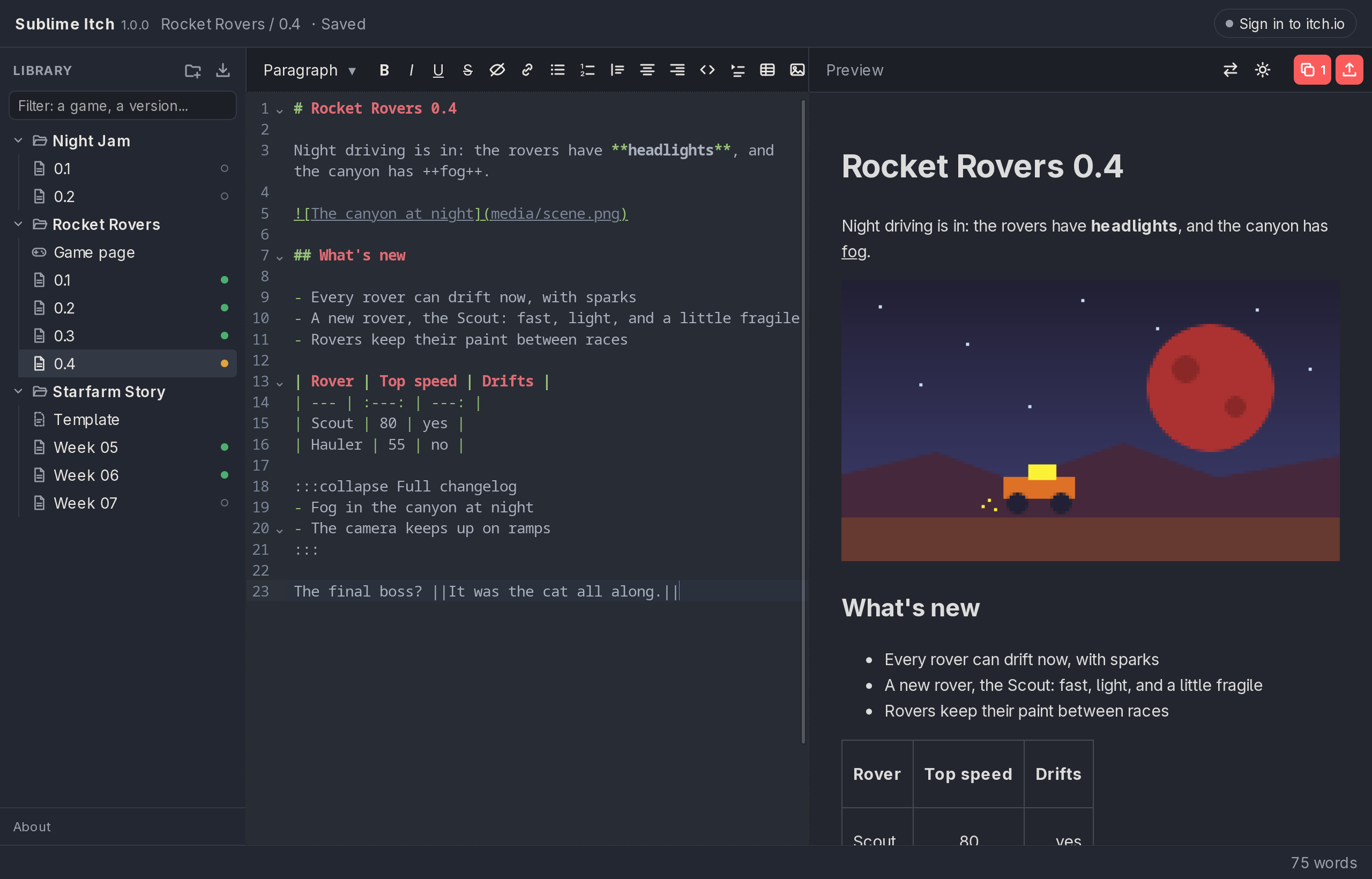
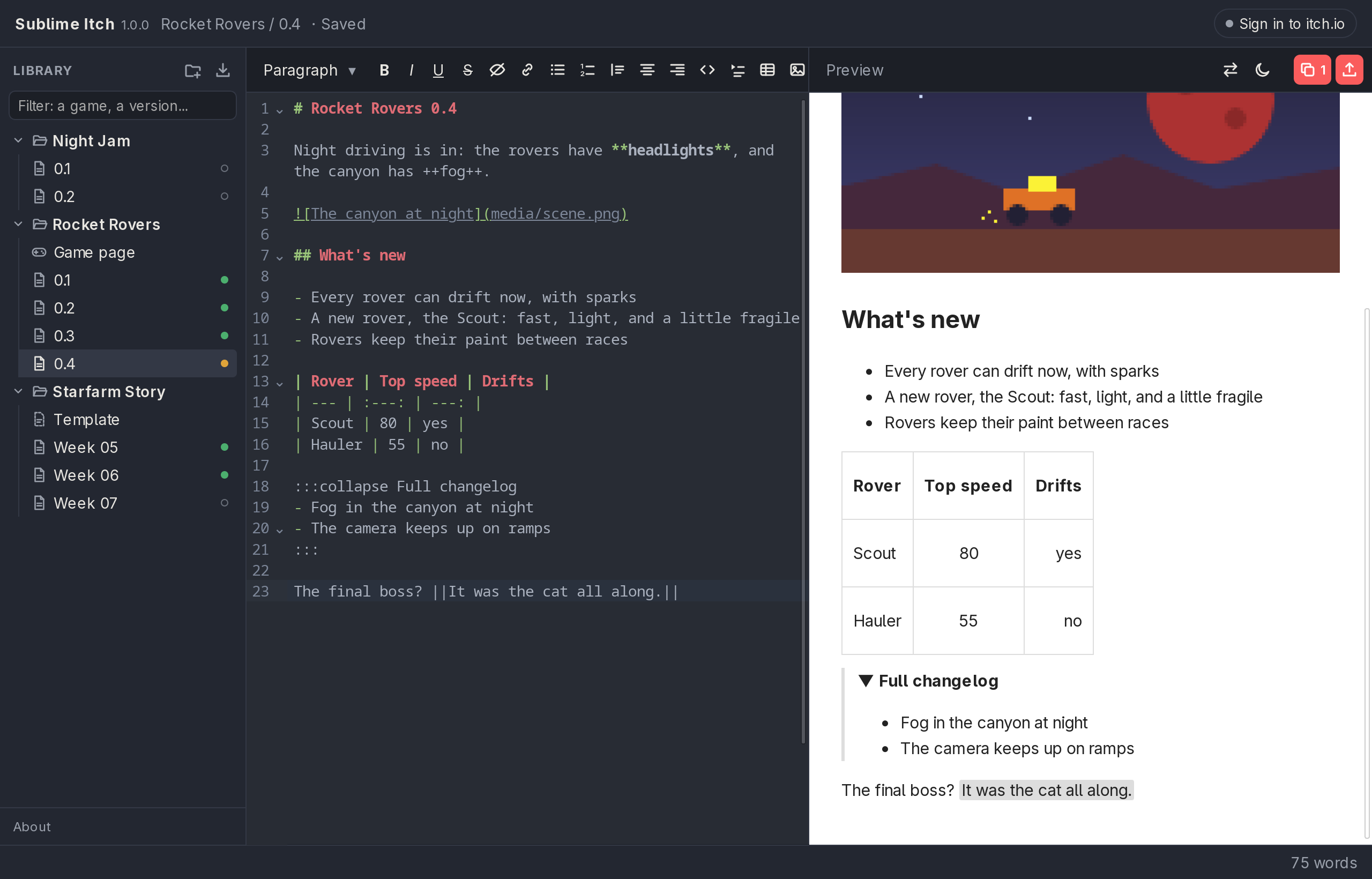
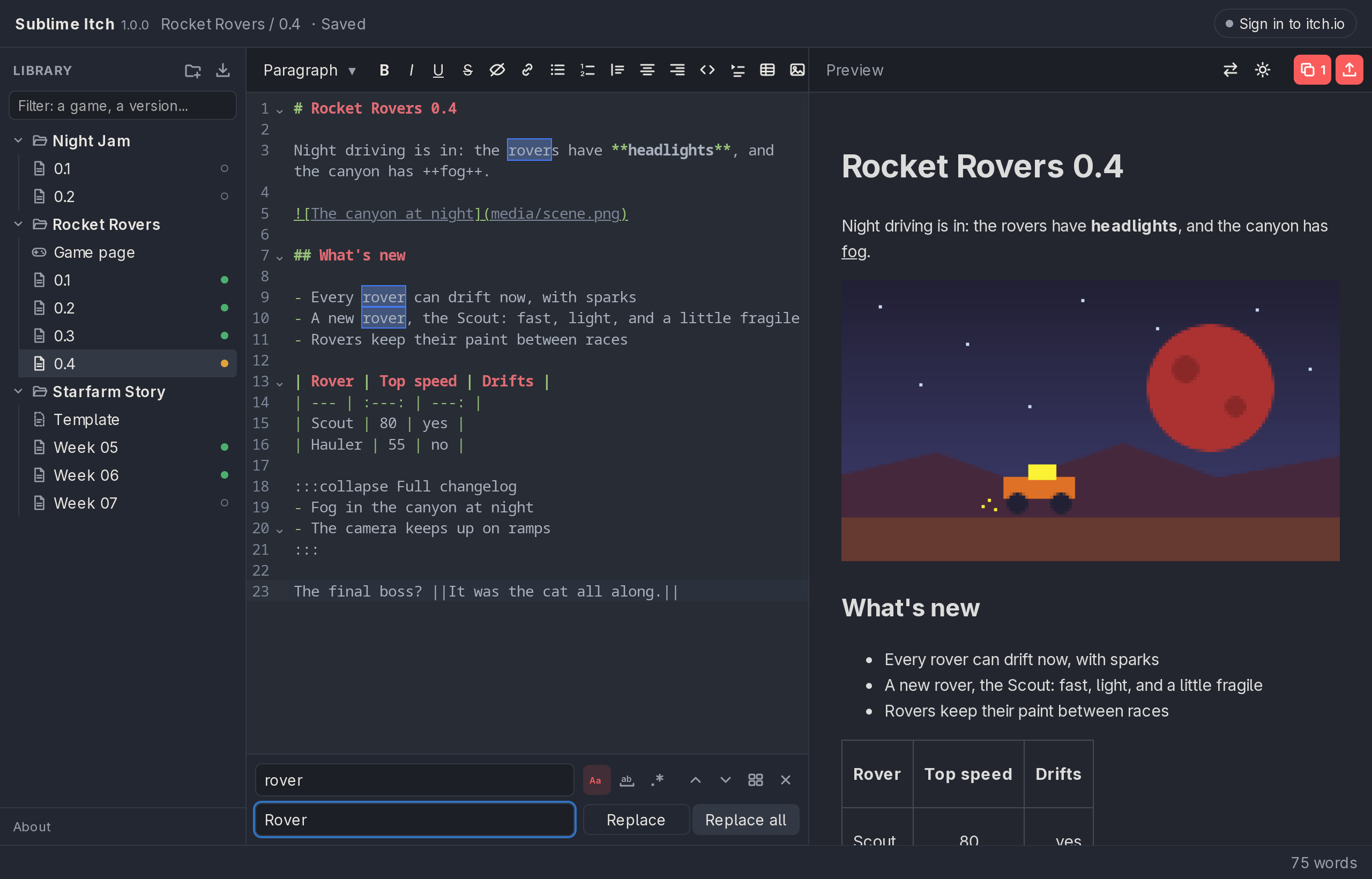
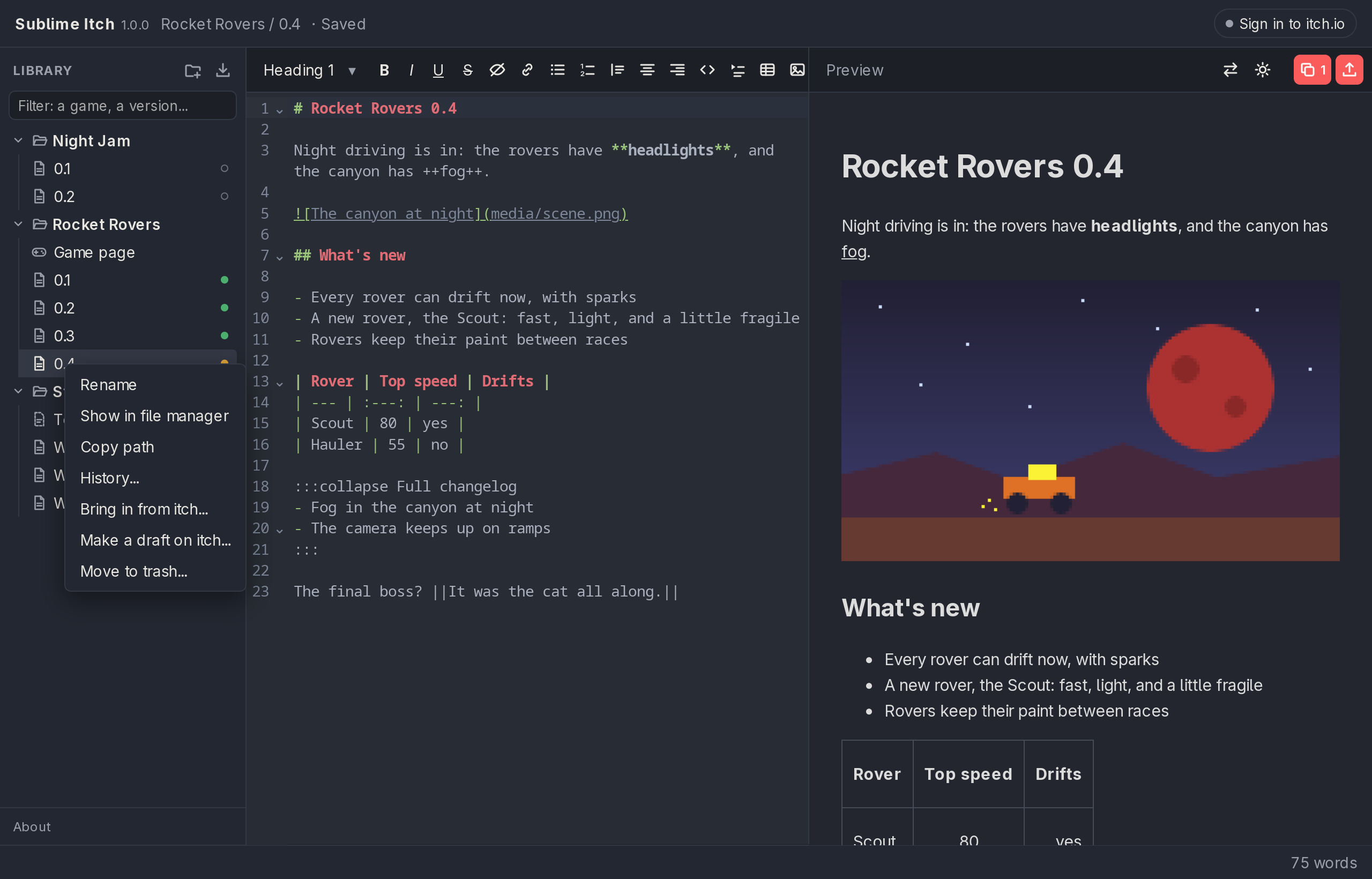
Writing. Markdown on one side, a live preview on the other, scrolling together. The toolbar covers everything itch's editor can do: headings, bold, italic, underline, strikethrough, spoilers, links, lists, quotes, code, centred and right-aligned text, collapsible sections, tables, and YouTube videos.
Colours, sizes, boxes and frames. The things itch's editor never had. Words in red, orange, yellow, green, blue, purple, grey or any colour you like, from quiet little words to big ones.
A box puts a note where nobody misses it: a known issue, a change in how something works, a thank-you.
Pictures. Paste them or drag them in. Then crop and resize them, mark them up with arrows, boxes, circles, a pen and words, give them a caption, set how wide they show, or put a few side by side. They're uploaded to itch only once, however many devlogs use them, and one too big for itch can go as a smaller copy, animated GIFs included.
GIFs from video. Open a recording, trim it on a filmstrip of the whole video, crop it, pick its width, frame rate and speed, and play it back before it's made. The dialog tells you exactly how big the GIF will be, and if it's over the 3 MB itch takes, what itch would get instead.
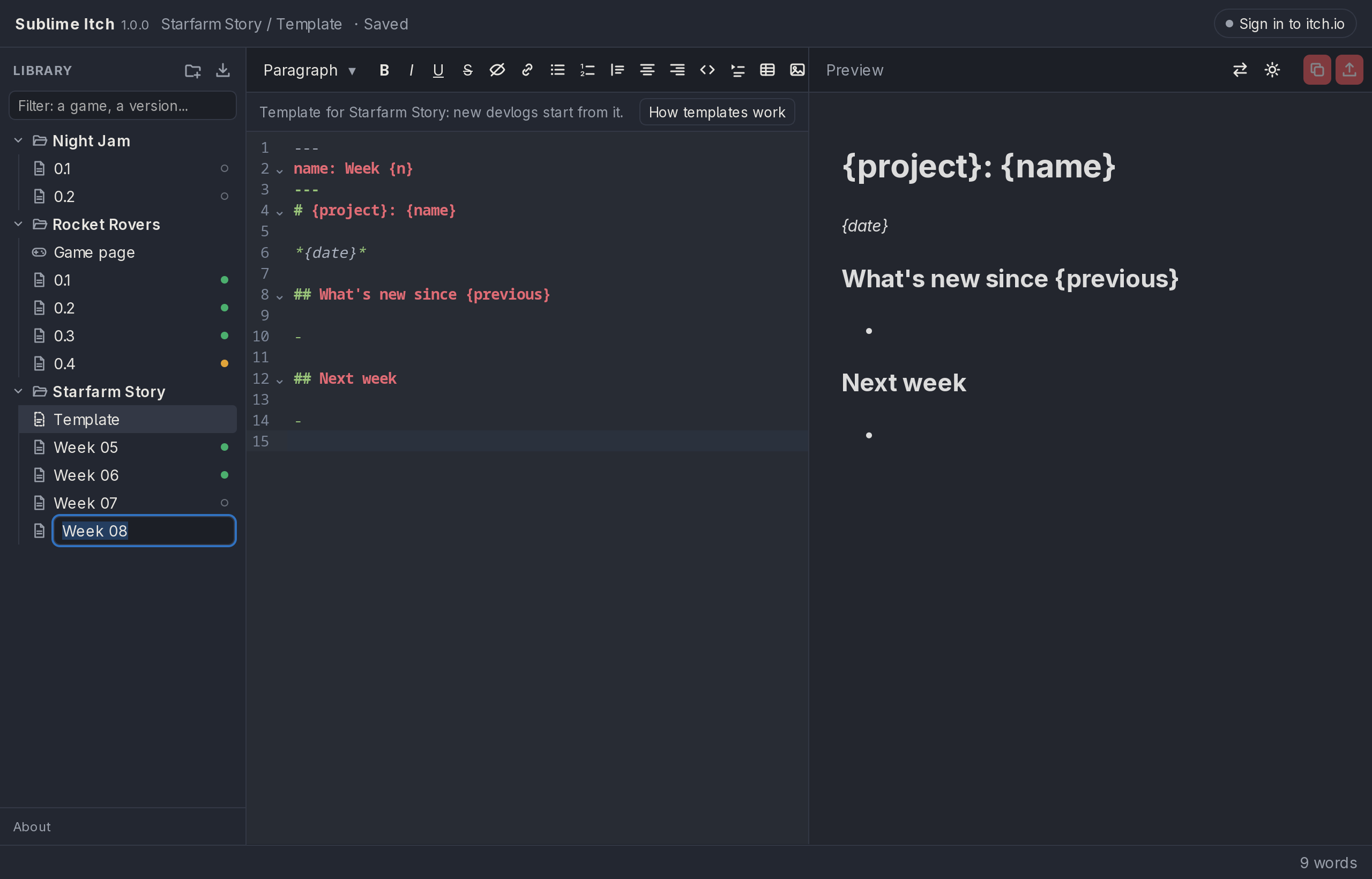
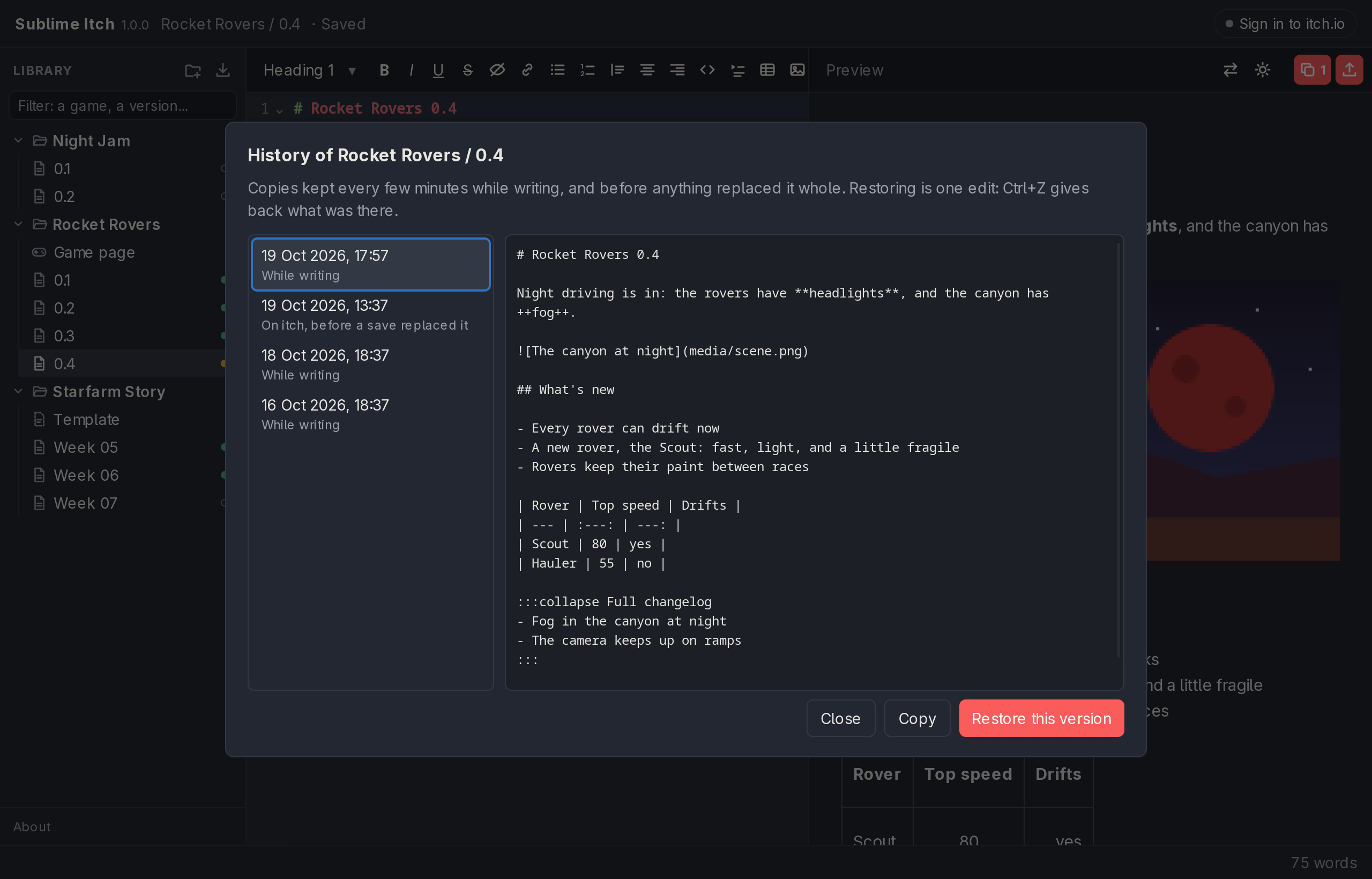
Your library. Projects and their devlogs, as a file tree, in any folder you choose, so Dropbox, Google Drive or git can keep it on all your computers. Every devlog keeps a history: copies are made as you write and before anything replaces them, each one a click and a Ctrl+Z away. Templates give each project's new devlogs their usual sections and even their next name.
Importing. Bring in devlogs and game pages you already wrote on itch, drafts too. Images come along, and so does all the formatting, colours included.
Saving to itch. One button writes the devlog straight into its post on itch. Only the text changes, the title, cover image and comments stay put. It asks before touching a live post or anything edited on itch since, and whatever itch had is kept, so a mistake can be undone. It can also start a new draft on itch for a devlog, of the post type you pick, all from inside the app.
New to it? The ? button opens a short tour and an example devlog to play with.
Full version and free version
The free version has everything above. The only differences are how many itch posts it can save to, and how many GIFs it makes from video.
Free |
Full |
|
|---|---|---|
| Writing, colours, preview, pictures, library, history, templates | Yes |
Yes |
| Importing from itch | Yes |
Yes |
| Copy HTML to paste into itch | Yes, always |
Yes, always |
| Save to itch and create new drafts from inside the app | Up to 5 posts |
No limit |
| GIFs from video | 1 per devlog |
No limit |
Saving again to a post the free version has already saved to always works. When you'd go past five, it says so and offers Copy HTML for that devlog instead, so you're never stuck.
Moving to the full version keeps your library, your history and your sign-in exactly as they are.
Downloads
- Windows 10 and 11: the program itself, no installer.
- Linux: an AppImage that runs anywhere (make it executable and run it; it offers to add itself to your applications menu), or a package for your system: .deb for Debian, Ubuntu and Mint, .rpm for Fedora and openSUSE, and one for Arch.
- macOS: maybe someday.
GIFs from video use ffmpeg, a free program that reads videos. The Linux packages bring it along; on Windows, the app offers to download it the first time.
Problems and ideas are welcome on the issue tracker.
Also remember that this page was:

Purchase
In order to download this tool you must purchase it at or above the minimum price of $7.49 USD. You will get access to the following files:
Download demo
Development log
- Update v1.2.04 days ago
- Update v1.1.06 days ago
- Update v1.0.0 - Paid Release!7 days ago
- Update v0.2.58 days ago
- Update v0.2.39 days ago
- Update v0.2.210 days ago
- Update v0.2.111 days ago
- Update v0.2.013 days ago
Leave a comment
Log in with itch.io to leave a comment.